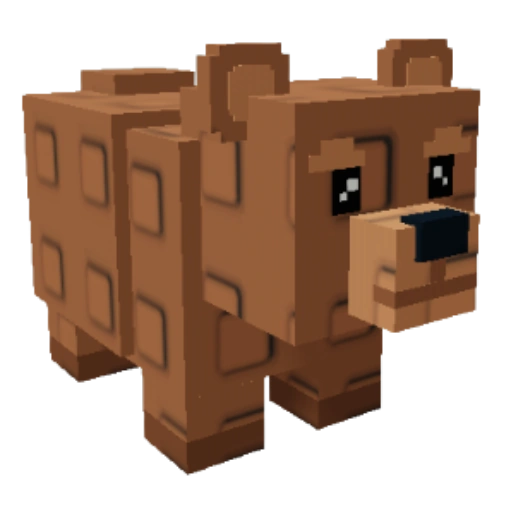
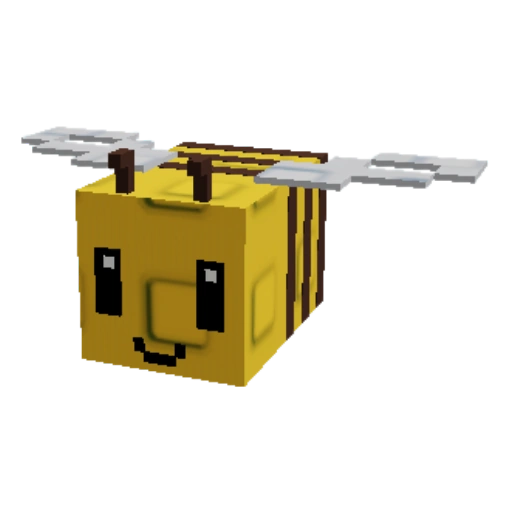
pets
Sheckles
**Sheckles** are the main form of currency in [[Grow a Garden 2]] and the original *Grow a Garden*.
Sheckles are the main form of currency in Grow a Garden 2 and the original Grow a Garden.
Grow A Garden 2 uses the "¢" currency symbol on the right side of numbers in-game to denote Sheckles, as well as a specific green Sheckles icon on the left.
Obtainment
A player can earn Sheckles by:
- Selling plants, fruits, or pets at the [[Sell Stand|Sell Stuff stand]].
- Purchasing separate packages of them in the Robux Shop.
- Playing with friends in the same server. Every friend in the same server as a player provides a +10% Sheckle boost, which can reach a maximum of 70%. Players can add friends to the server by clicking the "+" icon to the right of your total sheckles.
Uses
Sheckles are used to buy items from various areas around the map:
- The Seed Shop
- The Gear Shop
- The Props Shop
- Purchasing Pets around the map
Trivia
- A player can see how many Sheckles they have in the bottom left corner of the screen, or by looking at the leaderboard in the top right.
- The origin for this currency is the Mesopotamian Shekel, a coin that was used around 3000 BC, and currently the Shekel (New Israeli Shekel) is the currency used by the country of Israel.
- If you have a large amount of Sheckles and want to see the exact amount you have, you can just hover over your total Sheckles icon and you can see the exact amount you have.